Kahoot! Quiz Generation lets you take a Brisk-generated quiz and instantly turn it into a live, game-based Kahoot!. Create once in Brisk, then launch directly into Kahoot to boost engagement and make assessment feel like play.
How to Create a Quiz
-
In the Brisk Extension, click Create, then Quiz or Kahoot—or just type that you'd like to make a Kahoot! quiz.
- Scroll down to Settings, click Output Format, select Kahoot, and save.
- Adjust grade level, standards, language, and question count.
- Click Create and answer (or skip) the questions.
- Click Create to confirm.
- Brisk creates your quiz and sends it directly into your Kahoot! account.
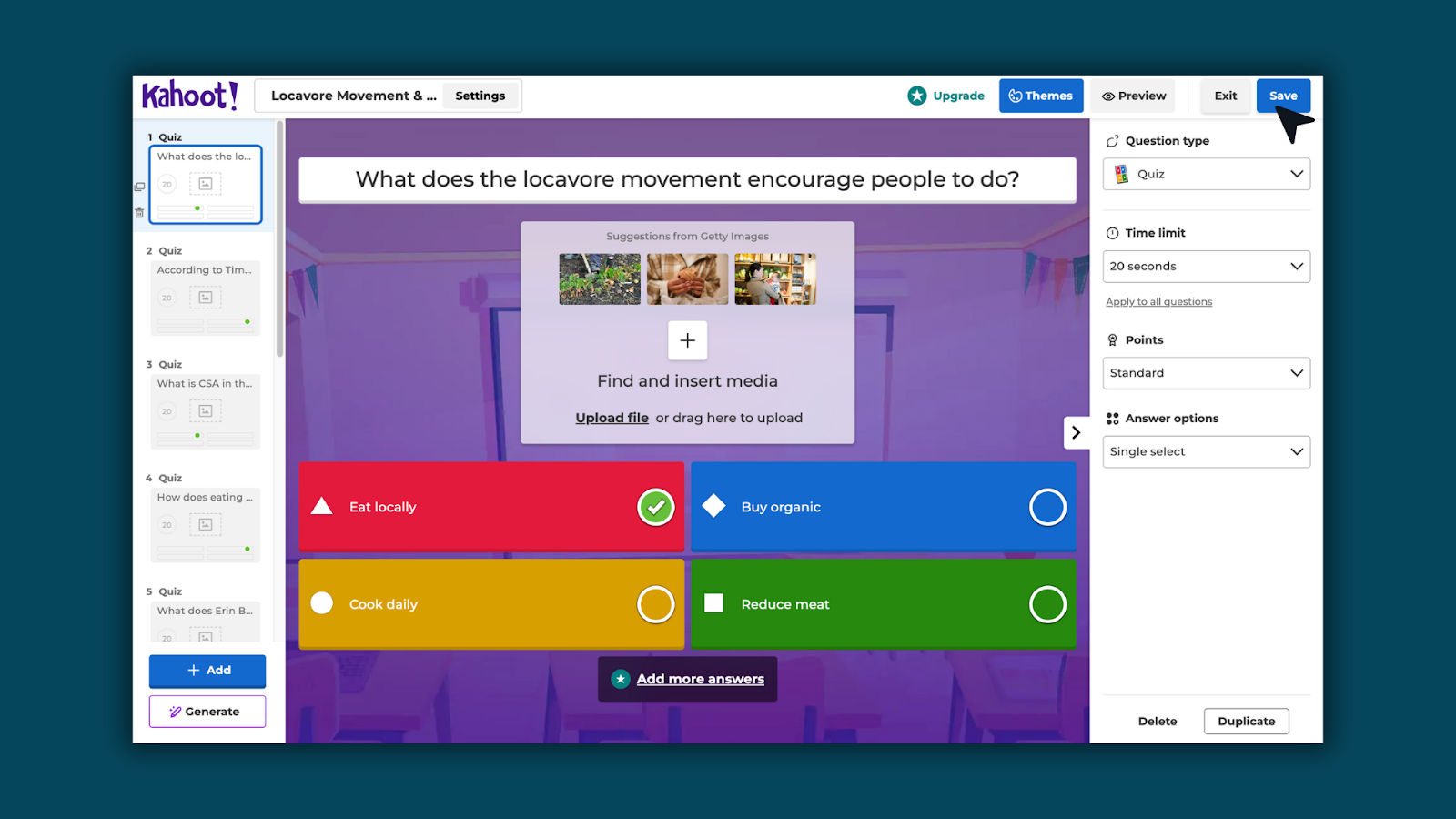
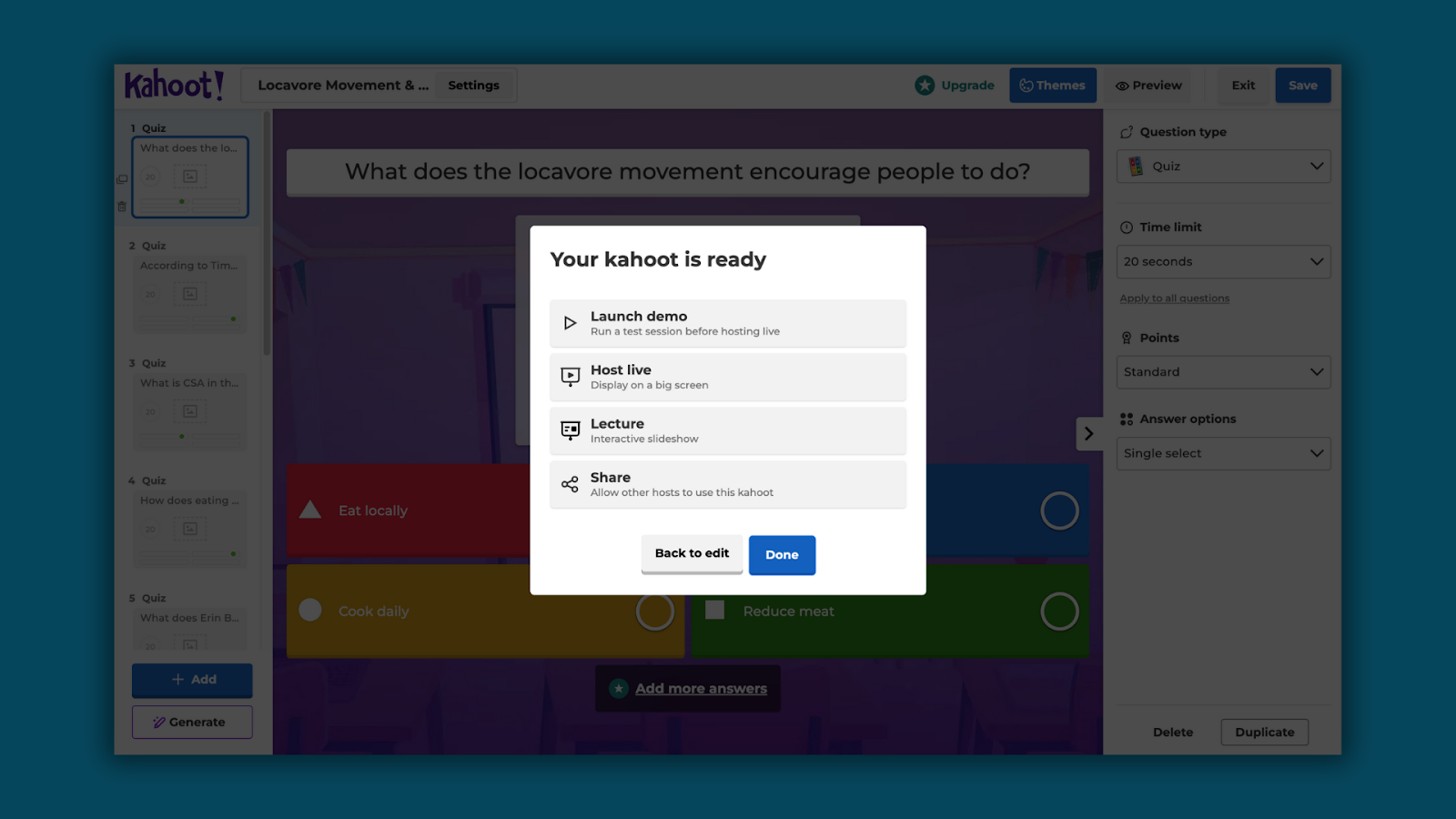
- Make any adjustments in Kahoot!, then play with students like any other Kahoot! activity.
FAQ
Do I need a Kahoot account to use this?
Yes. You must be logged into Kahoot. Brisk will prompt you to log in if you're not already connected. Kahoot's regular pricing/plans applies — you can think of the Brisk Quiz Feature as Brisk creating a Quiz for you using your existing Kahoot account.
Does this count against my Brisk quiz limits?
Yes, this follows the same limits as the standard Quiz feature.
Can I edit the quiz after it's created in Kahoot?
Yes, once the quiz is in Kahoot, you can edit it directly in Kahoot like any other quiz.
Can I create a Kahoot quiz as part of a bundle?
No, Kahoot quiz generation only works if you one grade level and one language is selected and does not work as part of bundle creation.
Can I create a Kahoot quiz from Brisk Web? | No, Kahoot quiz generation currently only works from the Extension.
Why is Kahoot not available as a quiz option?
Kahoot only works when one language and one grade level is selected, otherwise the button will disappear. If you only have one lanuage and grade selected but still do not see Kahoot, reach out to our team for additional support.